BEST SMART LOCK SETUP FOR A FAMILY HOME
How to choose a smart lock for a family home, including children, guests, backup keys, app access, biometrics, and choosing between Lockery Mini and Pro.
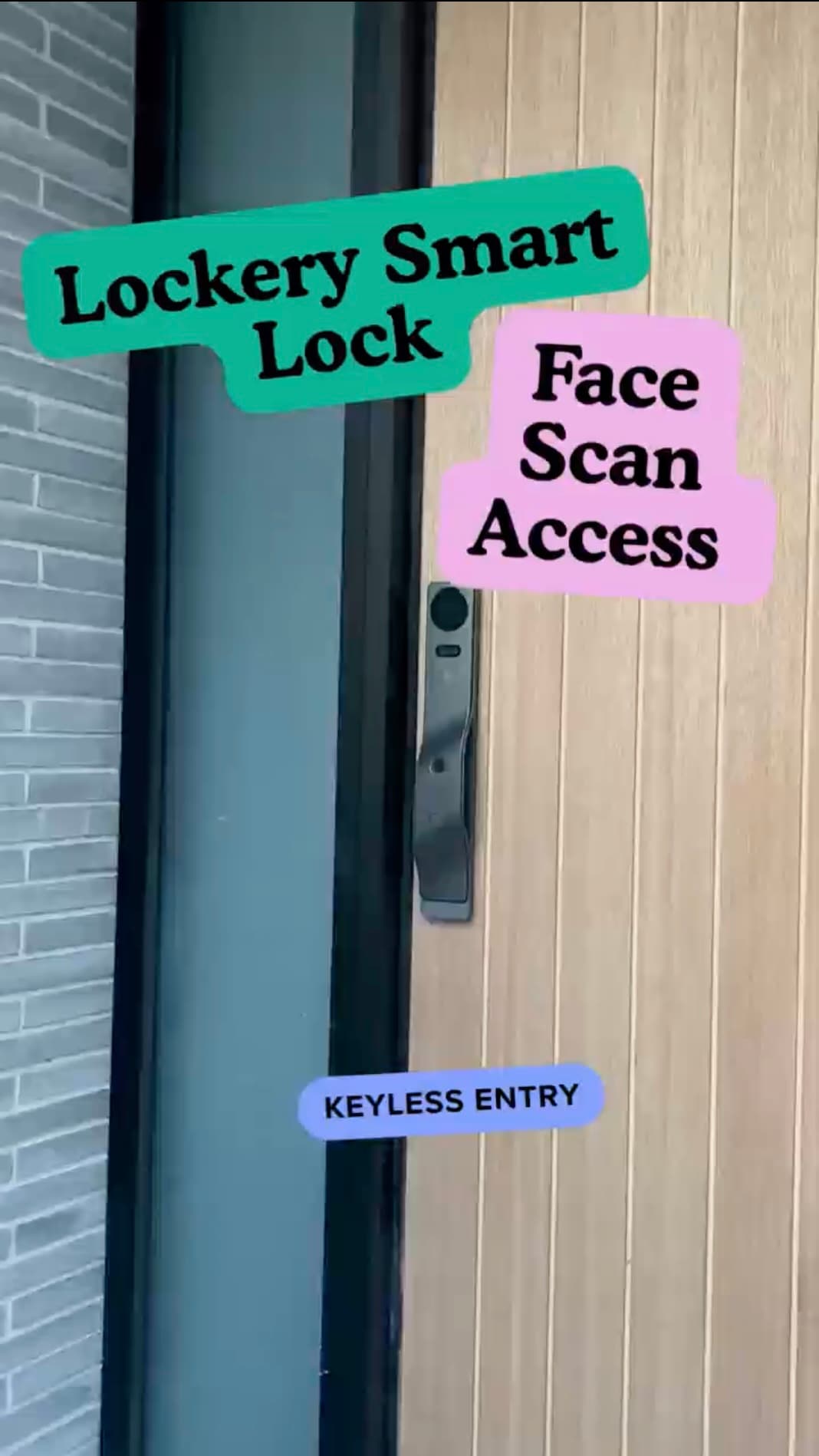
Family homes need smart locks to be simple under pressure. The lock has to work for adults, children, relatives, visitors, and the occasional person arriving with both hands full.
A strong family setup combines biometrics for regular users, PIN access for backup and guests, and a physical key backup kept somewhere sensible.
MATCH ACCESS METHODS TO PEOPLE
Adults and older children may prefer fingerprint access because it is fast and does not require remembering a key. PIN access is useful for guests, visiting family, cleaners, or backup entry.
Lockery Pro adds face unlock and palm scan, which can be especially convenient at a busy front door.
KEEP BACKUP ENTRY SIMPLE AND RELIABLE
A smart lock should reduce key use, not eliminate contingency planning. Keep a physical key backup available and make sure more than one trusted person knows the backup process.
Review access codes occasionally, especially after guests, house sitters, cleaners, or trades have used the door.
CHOOSE MINI FOR SIMPLE ROUTINES
Lockery Mini is a strong family-home fit when the priority is straightforward keyless entry: fingerprint, PIN, app access, and key backup.
It is also the better place to start when your door is compatible and you want a less complex retrofit.
CHOOSE PRO FOR THE MAIN FRONT-DOOR HUB
Lockery Pro makes sense when the front door is a high-traffic point and visitor awareness matters. Camera, live view, remote answering, visual intercom, and indoor display features can make the entry feel more complete.
For side entries, garages, offices, or lower-traffic doors, Mini may be the more practical choice.
Takeaway
For families, convenience is only useful when it is predictable. Choose the simplest setup that covers everyday users and backup cases.
Compare Mini And Pro