WHAT TO CHECK BEFORE BUYING A RETROFIT SMART LOCK
A pre-purchase checklist for retrofit smart locks, including door thickness, lock type, backset, access methods, app control, backup keys, and installation fit.
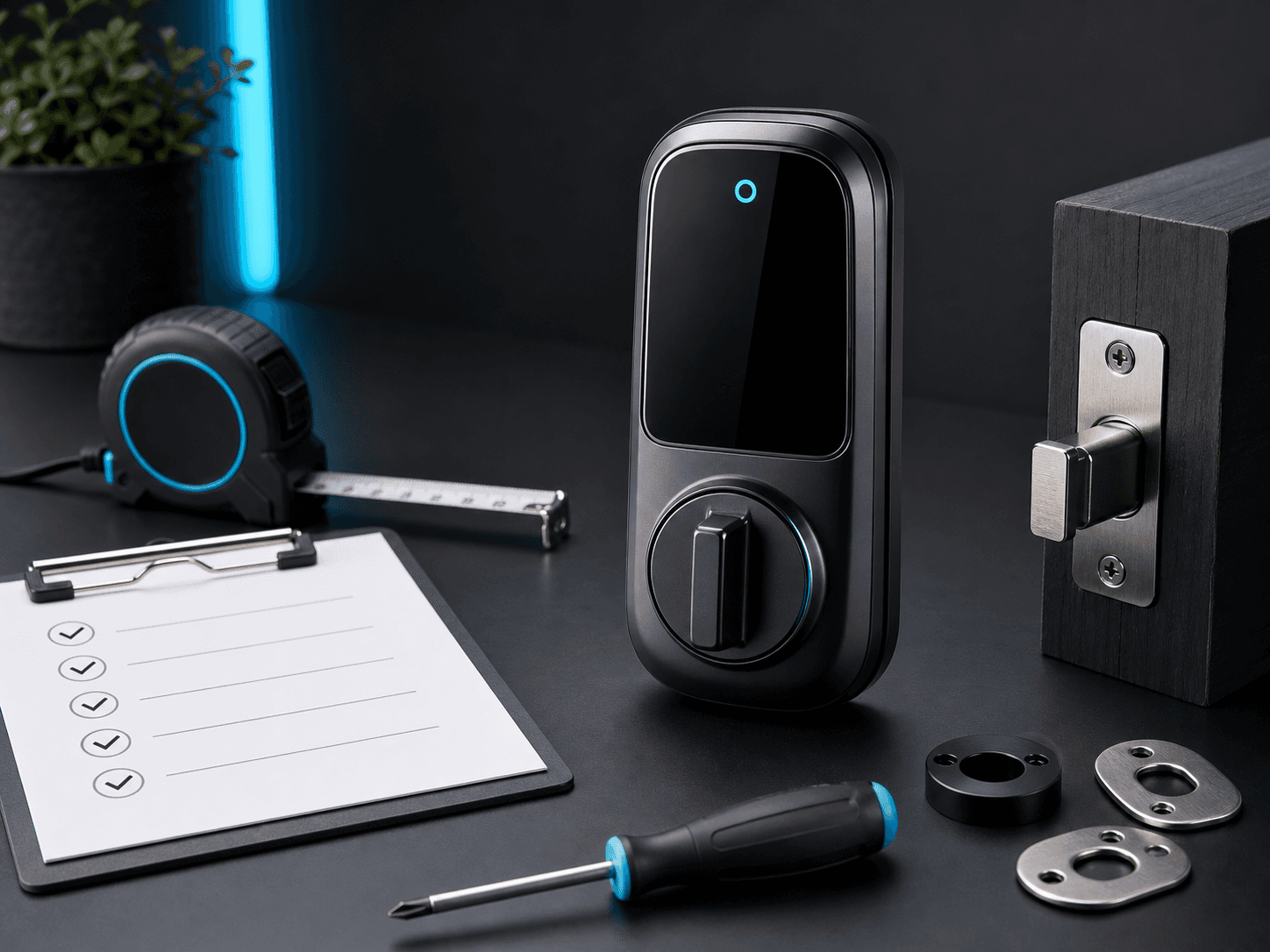
The smartest time to check compatibility is before checkout. A retrofit smart lock has to suit the people using it and the physical door it will be fitted to.
Use this checklist before choosing between Lockery Mini, Lockery Pro, or any other retrofit smart lock.
MEASURE THE DOOR
Lockery Mini suits compatible 35mm to 60mm doors. Lockery Pro suits compatible 40mm to 120mm doors. Door thickness is the first simple filter.
Also measure the backset: the distance from the door edge to the centre of the handle spindle or key cylinder. This helps identify whether the new lock body will line up cleanly.
IDENTIFY THE EXISTING LOCK BODY
Look at the door edge. A simple latch, separate deadbolt, and larger mortice lock each need a different installation approach.
Take photos before removing anything. The current shape of the door tells you whether a smart lock will cover old marks and whether new cutting may be required.
CHOOSE ACCESS METHODS BY USER TYPE
For households, fingerprint and PIN access cover most daily use. For guests, temporary users, trades, or rentals, PIN access is often the easiest method.
For a premium main entrance, face unlock, palm scan, camera, live view, and visual intercom may justify choosing Lockery Pro.
CONFIRM BACKUP AND SUPPORT
Look for physical key backup, clear battery expectations, warranty coverage, returns terms, and local support.
If the door is unusual, send photos for a fit check before buying. It is a small step that can prevent an avoidable install problem.
Takeaway
A good smart lock purchase starts with measurements, photos, access needs, and a clear backup plan.
Start Door Fit Check