HOW TO RETROFIT A SMART LOCK WITHOUT REPLACING YOUR DOOR
A practical guide to retrofitting a smart lock to an existing door, including measurements, photos, lock body checks, and when to choose Lockery Mini or Pro.
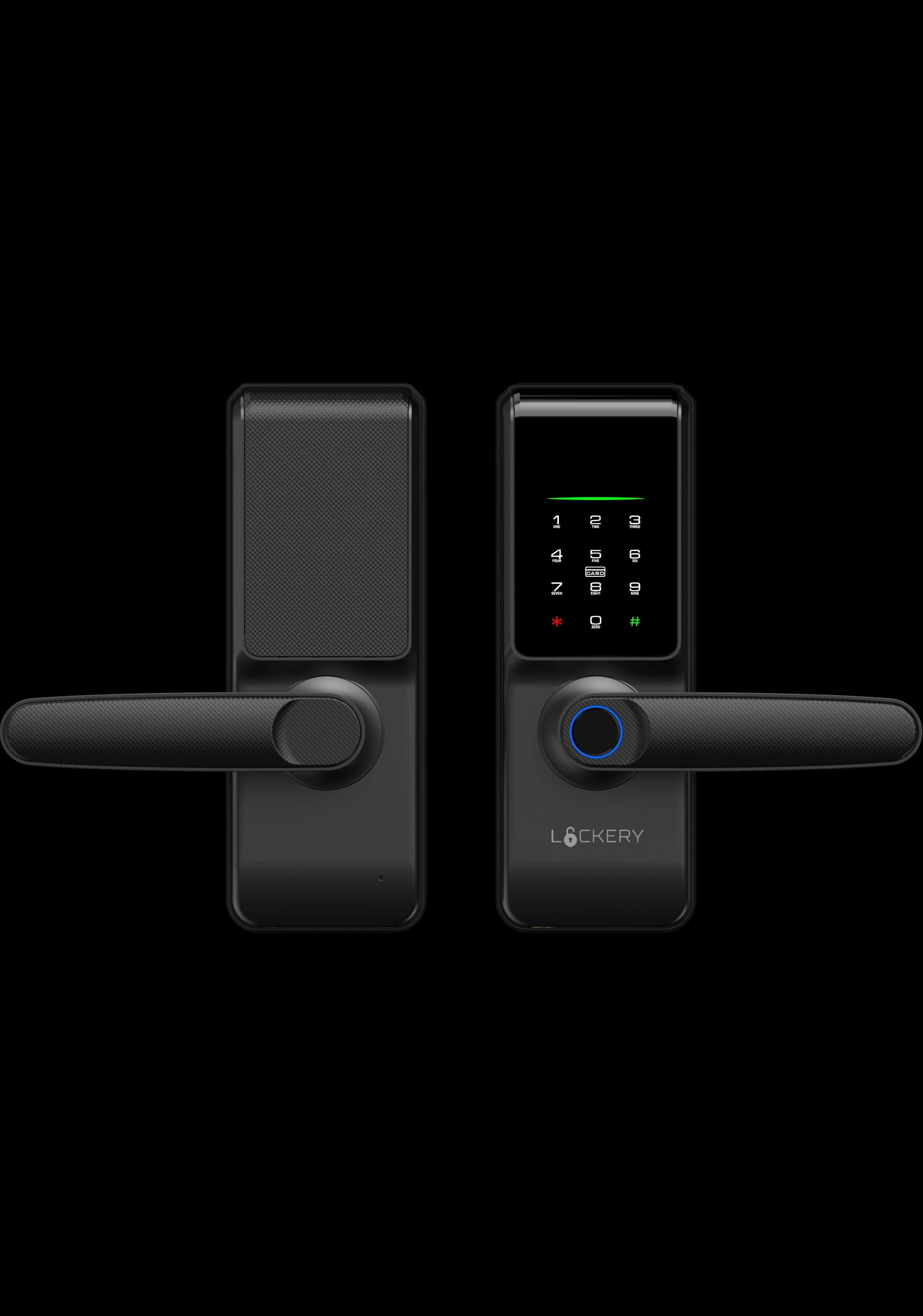
Retrofitting a smart lock means upgrading the existing door rather than replacing the whole door. It can be clean and efficient when the lock, door thickness, and existing cut-outs are compatible.
The important step is checking the door before choosing the lock. Door thickness, latch type, old cut-outs, and the position of the existing handle decide what is easy, what is possible, and what needs professional work.
START WITH THE DOOR, NOT THE LOCK
Measure the door thickness and photograph the current hardware from the inside, outside, and edge of the door. The edge photo is especially useful because it shows the current latch or lock body.
If the existing hardware has left large cut-outs, extra screw holes, or unusual trim, those details may affect which smart lock is practical.
- +Door thickness
- +Backset from door edge to spindle or cylinder centre
- +Current latch or mortice body size
- +Inside and outside handle layout
- +Strike plate position on the frame
KNOW THE DIFFERENCE BETWEEN LATCH AND MORTICE RETROFITS
A latch retrofit is simpler because the lock body is smaller and there are fewer alignment points. Lockery Mini is designed around this simpler retrofit direction.
A mortice retrofit can provide a more premium locking setup, but it often requires more careful door preparation. Lockery Pro uses mortice-style hardware and should be checked against the specific door before purchase.
CHECK WHETHER OLD HOLES WILL BE VISIBLE
One overlooked retrofit issue is cosmetic coverage. A new smart lock might function correctly but fail to cover marks, holes, or cut-outs left by the previous lock.
Send photos before ordering if the existing lock is unusually large or if the door has been modified before. That gives you a better sense of both fit and finish before anything is removed.
PLAN APP SETUP AFTER THE HARDWARE IS STABLE
Do not rush into app pairing and biometric enrolment before the latch action is smooth. The mechanical side should lock and unlock cleanly first.
Once the hardware is seated correctly, configure PINs, fingerprints, app access, and backup methods. Keep a physical key backup accessible during the first few days of use.
Takeaway
A good retrofit is mostly preparation: measure first, photograph clearly, confirm compatibility, then install.
View Installation Guide